Sketch Storyboard Motion 3D

GenAI
In Production

Self-hosted tools for images, video, 3D and audio. No usage caps. No vendor lock-in. Run on your own hardware.

Free Download

The Production
GenAI Stack Guide

The complete self-hosted toolkit for post-production — tools, setup walkthrough, workflows, and resources — delivered instantly to your inbox.

Instant access. No spam — unsubscribe any time.

  • Tool setup guide (ComfyUI, n8n and more)
  • Reusable workflow templates + metadata tips
  • Curated resource links & model recommendations
See what's possible

From Sketch to Screen.
Built With the Tools in the Guide.

Every frame below was produced using the self-hosted stack — ComfyUI for generation, n8n for orchestration. No subscriptions. No cloud.

Replace with sizzle reel
Sketch
Storyboard
Image Gen
Motion
3D
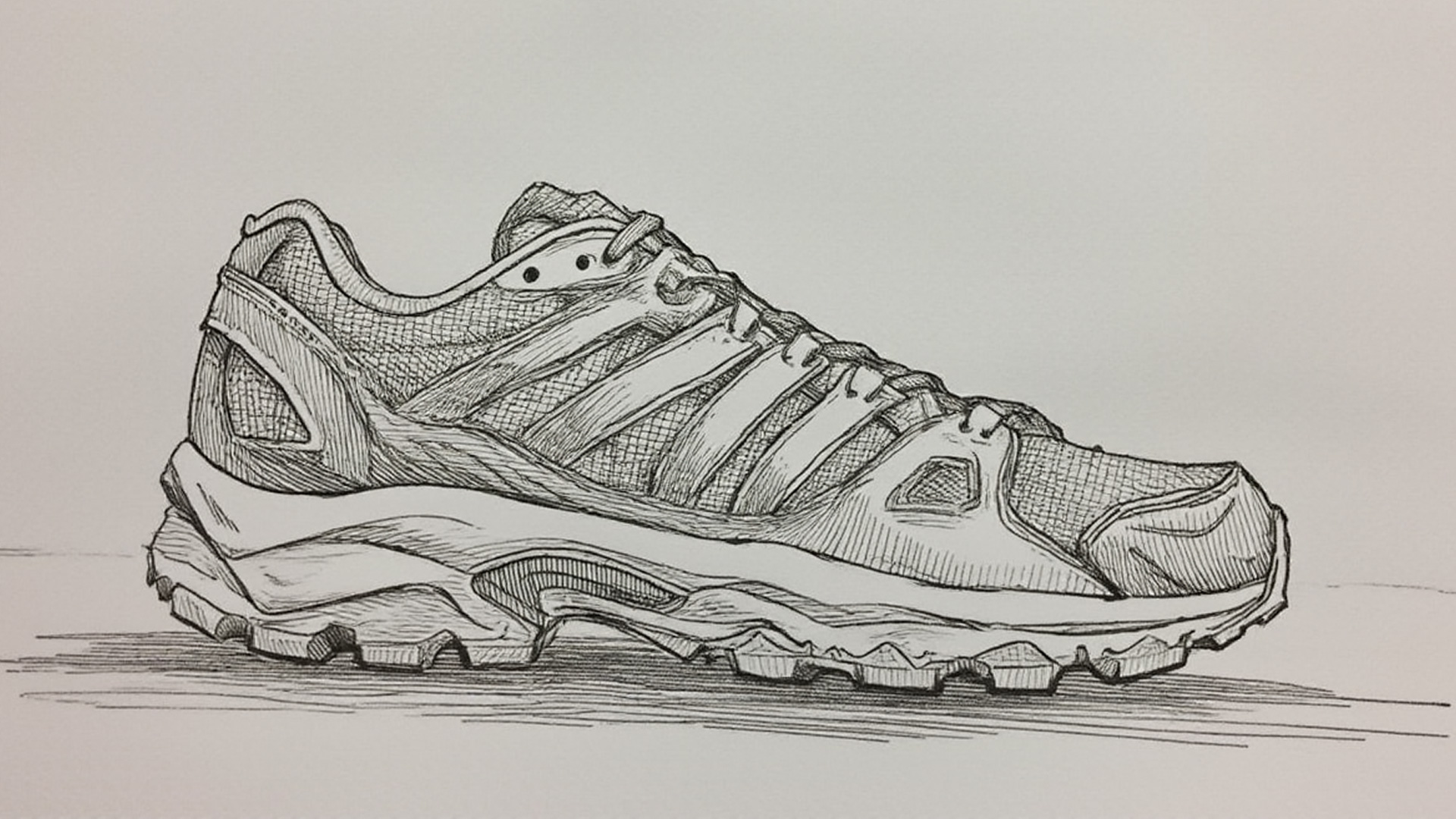
01 — Concept Sketch
02 — Storyboard

AI-assisted storyboard sketches
03 — Image Generation
Batch image generation — 30 variants
04 — Motion Generation
05 — 3D Model Pipeline

3D model generated from AI frame
Free Download

Want to Build This Yourself?

Get the complete stack guide — tools, setup, workflows and resources — free.

Everything to Ship
GenAI in Production

Self-Hosted Tools

ComfyUI, n8n, and more running on your own infrastructure — not someone else's cloud.

Reusable Workflows

Export outputs with full metadata for iteration. Build pipelines you can reuse and share.

Full Control

No vendor lock-in. No per-generation fees. Your models, your data, your rules.

All Media Types

Images, video, 3D, and audio from one unified stack. Not separate tools for each.

Works Offline

Run entirely on your hardware. No internet required once set up. No usage caps, ever.

No Caps.
No Fees.
No Lock-In.

Cloud GenAI tools charge per generation, own your outputs, and can change pricing overnight. Self-hosting flips that entirely.

  • Runs locally — NVIDIA, AMD, Apple Silicon, Intel
  • Smart memory management with incremental re-execution
  • Extend with custom nodes and community add-ons
  • Connect to your existing APIs and databases via n8n
100%
Open Source

No vendor lock-in, no hidden costs, no pricing changes

Generations

Generate as much as your hardware allows — no usage caps

0%
Data Shared

Everything runs locally. Your prompts, models and outputs stay yours

Common Questions

ComfyUI handles images, video, 3D, and audio generation. n8n handles workflow automation and integrations. Both are open source and run locally. For good ComfyUI performance, aim for an NVIDIA GPU with 16+ GB VRAM — it also runs on AMD, Intel, or Apple Silicon.
No. ComfyUI and n8n use visual node-based interfaces — connect nodes on a canvas to build workflows. No coding required for basic use. Advanced users can extend with custom nodes if needed.
Images (SDXL, Flux, Hunyuan and more), video (Stable Video Diffusion, LTX-Video, Wan), audio (Stable Audio), and 3D (Hunyuan3D). Plus inpainting, ControlNet, upscaling, and model merging. n8n orchestrates all of this with APIs, databases, and triggers.
Yes. When you run ComfyUI and n8n locally, your prompts, models, and outputs stay on your machine. The core applications do not phone home. You have complete control.
Yes. n8n can trigger ComfyUI via API, pass prompts or parameters, and process outputs. This lets you automate media generation, batch runs, and integrate with your existing systems.
For solid production use, aim for an NVIDIA GPU with 16GB+ VRAM (RTX 3090, 4090, etc.). ComfyUI also runs on AMD, Intel Arc, and Apple Silicon — with varying performance. The guide covers hardware recommendations in detail.

Want Us to
Build It for You?

We design and deploy production GenAI pipelines — ComfyUI workflows, n8n automation, model integration, and scaling. Book a free 30-minute consult. We'll show you what's possible live.

Book Free Consult →

No obligation. We'll give you a clear roadmap even if you never hire us.